Software
Hardware Security Keys for Small Teams
Compare hardware security keys for small teams. Walk through enrollment steps for Git and cloud logins using YubiKey 5C and Titan Security Key with a specs table to match your setup.
Relevant Amazon searches
These links point readers to current Amazon listings. We avoid fixed prices here because product pricing and availability change often.
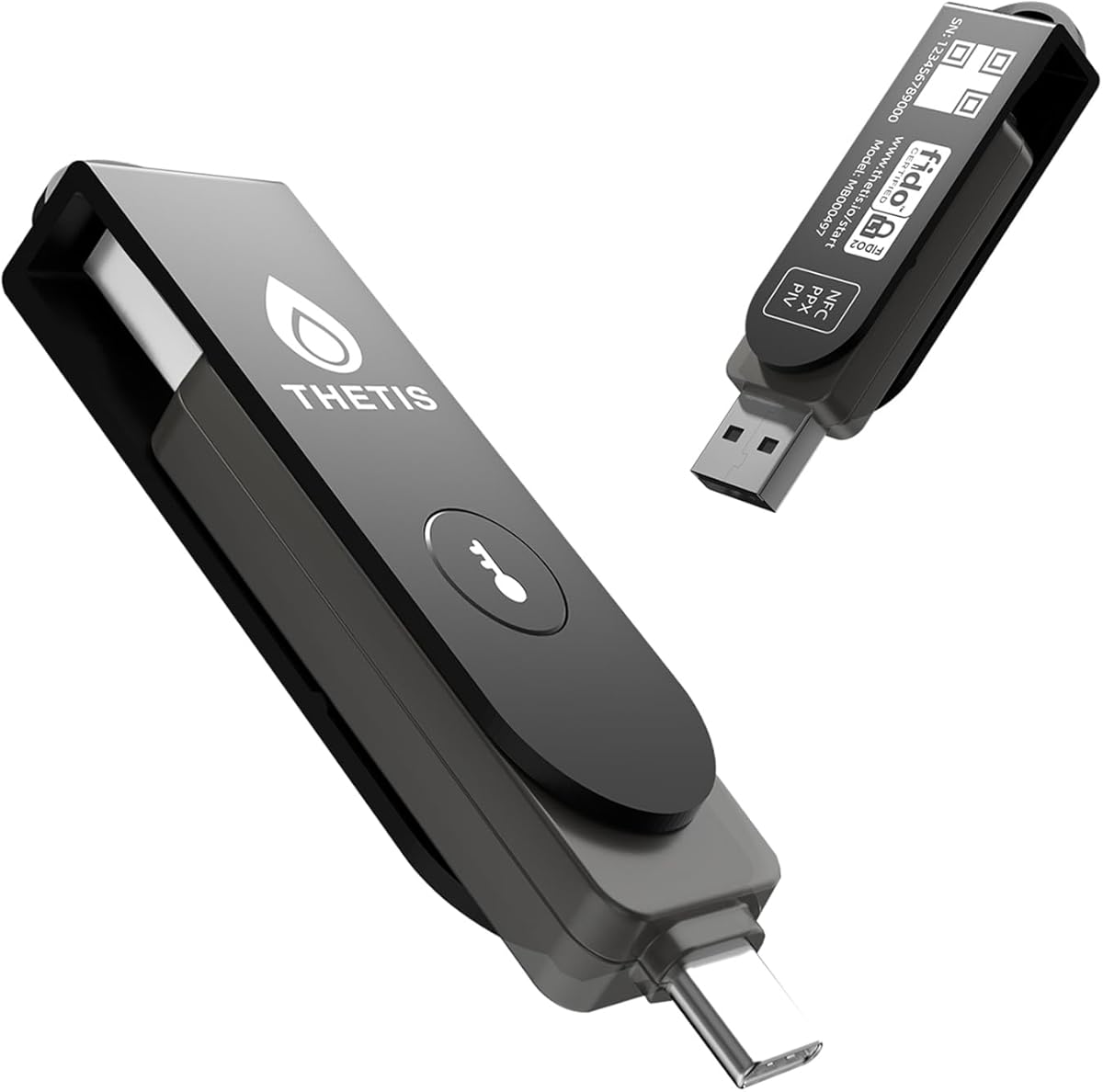
Thetis Pro FIDO2 Security Key Passkey with Complex Pin [PinPlex], Hardware Device Supports USB A, Type C &NFC, TOTP/HOTP Authenticator APP, PIV Certificates, FIDO 2.0 Two Factor Authentication 2FA MFA
Good starting point for founders, developers, and admin accounts that need phishing-resistant sign-in protection.
- FIDO2/WebAuthn support
- USB-C or USB-A fit
- Spare key plan
Yubico - Security Key NFC Bundle (USB-A and USB-C) - Basic Compatibility - Multi-Factor authentication (MFA) Security Key and passkey, Connect via USB or NFC, FIDO Certified
Useful when the same login key needs to work across laptops, phones, and tablets.
- NFC support
- Works with password managers
- Durable keychain design
Your five-person dev team just locked out a shared admin account after a phishing link. Hardware security keys replace passwords for GitHub and AWS logins before the next deploy.
Mapping Current Access Points
List every service that accepts FIDO2 or U2F today. GitHub, AWS IAM, Google Workspace, and 1Password each support at least two keys per user. Record the exact number of seats: five developers times two services equals ten initial keys.
Check your editorial policy before buying so the purchase process stays transparent.
GitHub and GitLab accounts
Each developer registers a primary key plus one backup. GitHub allows up to four keys per account. The process takes under three minutes per seat once the key is plugged in.
Cloud provider consoles
AWS requires the key during MFA setup. Create an IAM user first, then attach a virtual MFA device before swapping to the hardware token.

Selecting Key Models
Two common choices appear in small-team inventories: the YubiKey 5C and the Google Titan Security Key.
| Model | Ports | Protocols | Max keys per account | Warranty | Backup key cost |
|---|---|---|---|---|---|
| YubiKey 5C | USB-C | FIDO2 U2F OTP | 25 | 1 year | $50 |
| Google Titan | USB-C NFC | FIDO2 U2F | 4 | 1 year | $30 |
| YubiKey 5 Nano | USB-A | FIDO2 U2F | 25 | 1 year | $45 |
The table shows port type and protocol support first because those determine whether the key works with existing laptops.
See the full list of tested models on our blog.
Enrollment Walkthrough
Start with the team lead account. Insert the key into a USB-C port on a MacBook Air M2. Approve the prompt that appears in the browser.
Repeat for each remaining developer. Store the backup key in a labeled envelope inside the office safe. Test login from a second machine the same day.
Verify the result
Attempt a push to the main repository. The git command should prompt for the key touch instead of a password. Confirm the same flow works inside the AWS console for EC2 stop actions.
Contact our team at the contact page if any service rejects the key during setup.
Daily Use and Rotation
Carry the primary key on a keyring. Keep the backup at the office. Replace any key that shows physical wear after eighteen months. Update the shared spreadsheet that lists serial numbers and assigned users.
Read the privacy page to understand how we store serial records.
When to Use Which
Choose the YubiKey 5C when laptops have only USB-C ports and the team already owns 1Password for shared vault access. Choose the Google Titan when budget limits each seat to one primary key and NFC phones are used for occasional logins. Both options finish the initial rollout in under two hours for five people.