Operations
Backup Drives for Small Business: A Simple Buying Framework
How small teams should think about external drives, portable SSDs, NAS devices, and the backup rule that matters more than brand names.
Relevant Amazon searches
These links point readers to current Amazon listings. We avoid fixed prices here because product pricing and availability change often.
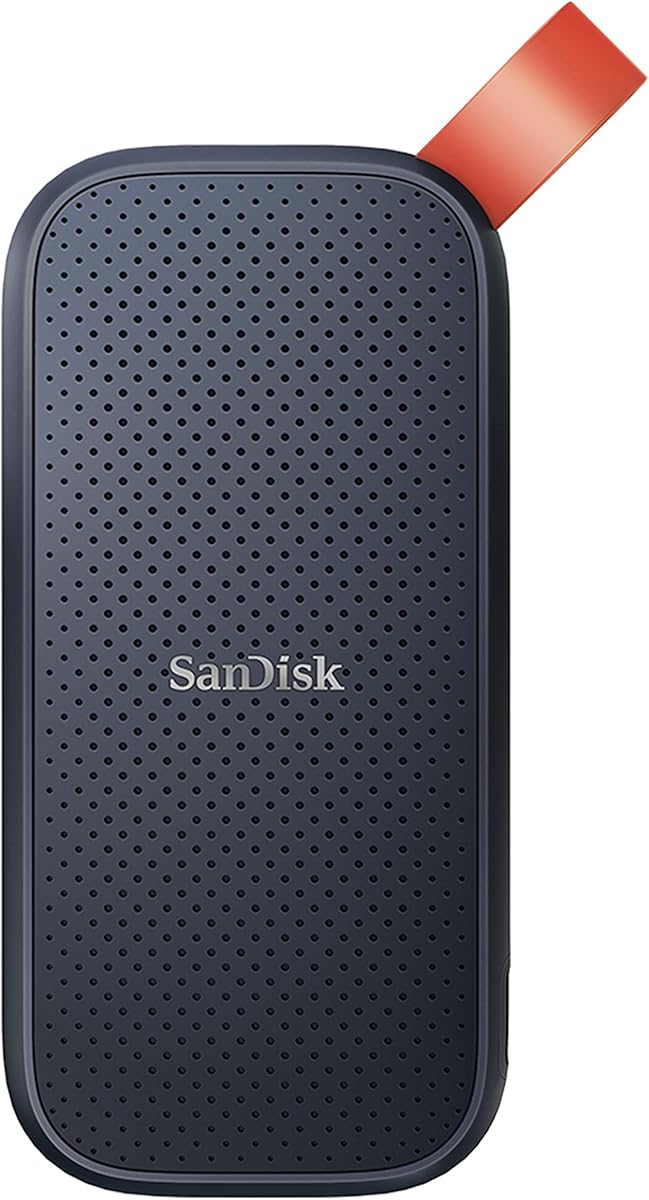
Portable SSDs
Fast, compact local backup for founders and team members who travel.
- USB-C
- Hardware encryption optional
- Shock resistance
zimaboard 2 1664 2-Bay Mini NAS Starter Kit - Intel N150 16GB LPDDR5 for Home/Personal Private Cloud NAS & High-Speed Network Storage(Diskless)
A better shared backup base when a small office needs central storage and versioned backups.
- Drive bays
- RAID support
- Backup software
The 3-2-1 rule beats brand debates
A backup plan should have at least three copies of important data, on two different media types, with one copy off-site. That rule matters more than the logo on the drive. A single external drive sitting next to a laptop is not a backup strategy; it is one accident away from failure.
For small businesses, the right purchase depends on whether you are backing up one machine, a few laptops, or shared team data. Portable SSDs are fast and simple. Desktop hard drives are cheaper per terabyte. A NAS can centralize backups but needs maintenance.
| Option | Best for | Risk |
|---|---|---|
| Portable SSD | Travel and individual laptops | Easy to lose. |
| Desktop HDD | Large local archives | Less portable and slower. |
| NAS | Shared office backups | Needs updates and monitoring. |
| Cloud backup | Off-site resilience | Recovery speed depends on internet. |

Capacity planning
Buy more capacity than today's files require. Backups grow because version history grows. A simple rule is to buy at least twice the storage you currently need for local backups, then pair that with an off-site copy.
Encryption is not optional for sensitive data
If a drive can leave the office, encrypt it. Client files, payroll, invoices, API keys, database exports, and product plans should not be readable by whoever finds a lost bag. Hardware encryption is convenient, but operating-system encryption can also work if configured correctly.
Test restore, not just backup
A backup you never restore is a hope, not a system. Schedule a monthly restore test for one random folder or project. The test proves that files are readable, permissions make sense, and the person responsible knows the recovery process.