ReceiptRove · iPhone & iPad
A private receipt scanner and organizer for iPhone and iPad
Scan and organize receipts on your iPhone or iPad with local OCR, searchable purchase details, return reminders, and PDF export. Free to download; no account needed.
View ReceiptRove on the App StoreFree download · iOS / iPadOS 17+ · English
Inside ReceiptRove
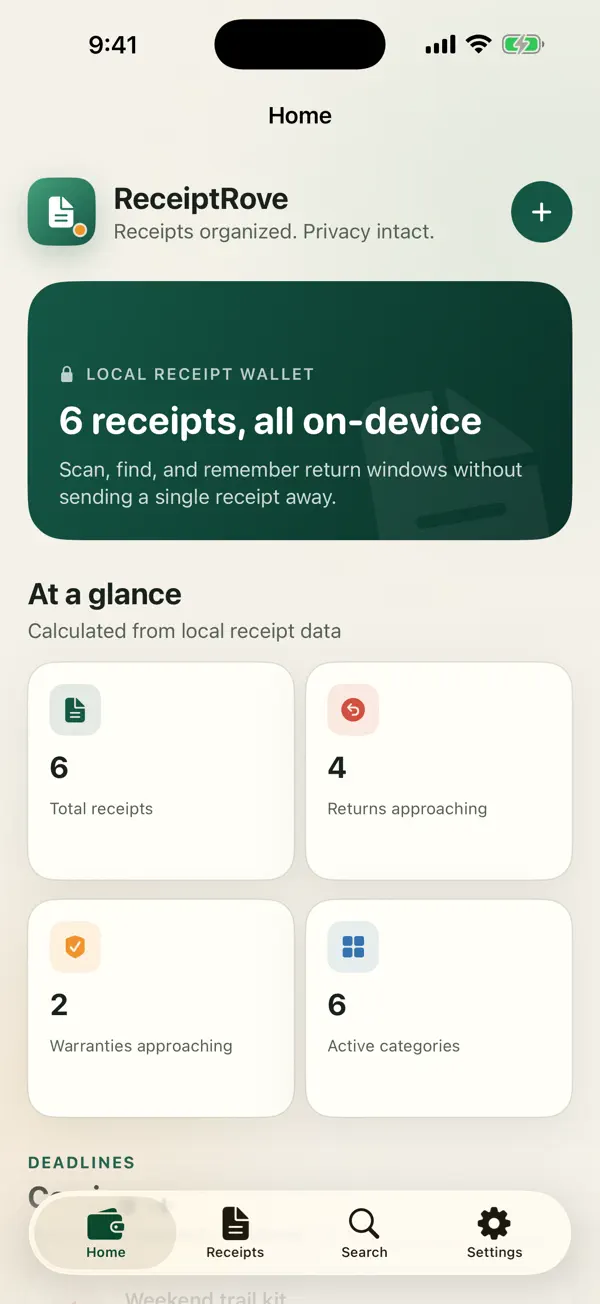
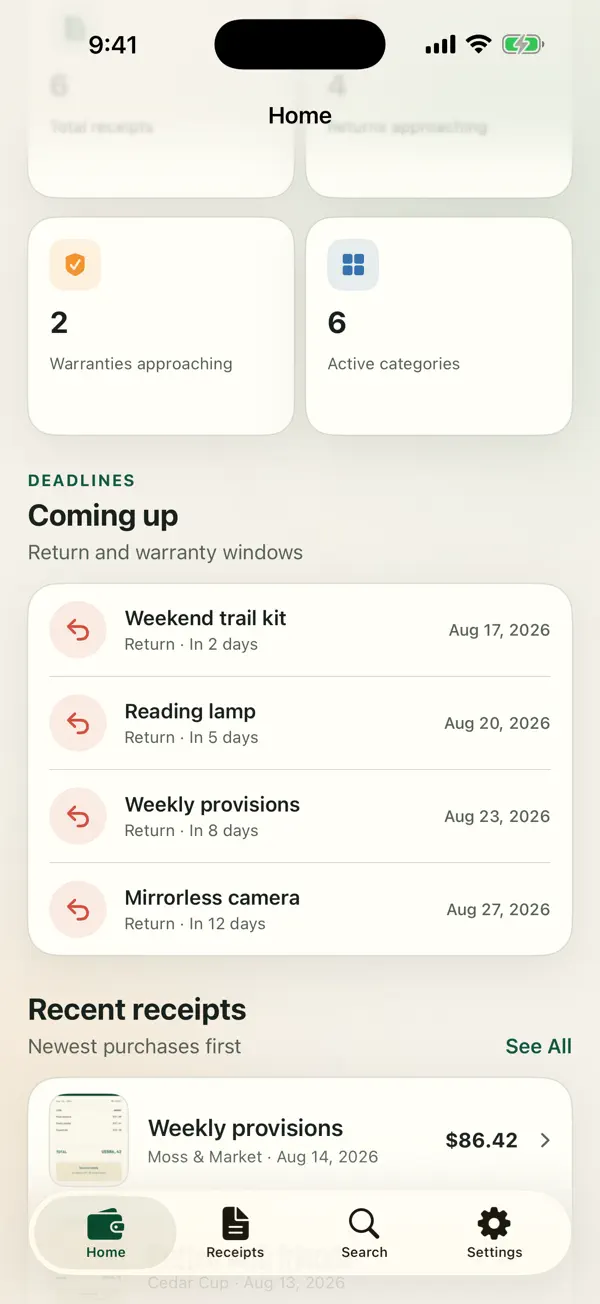
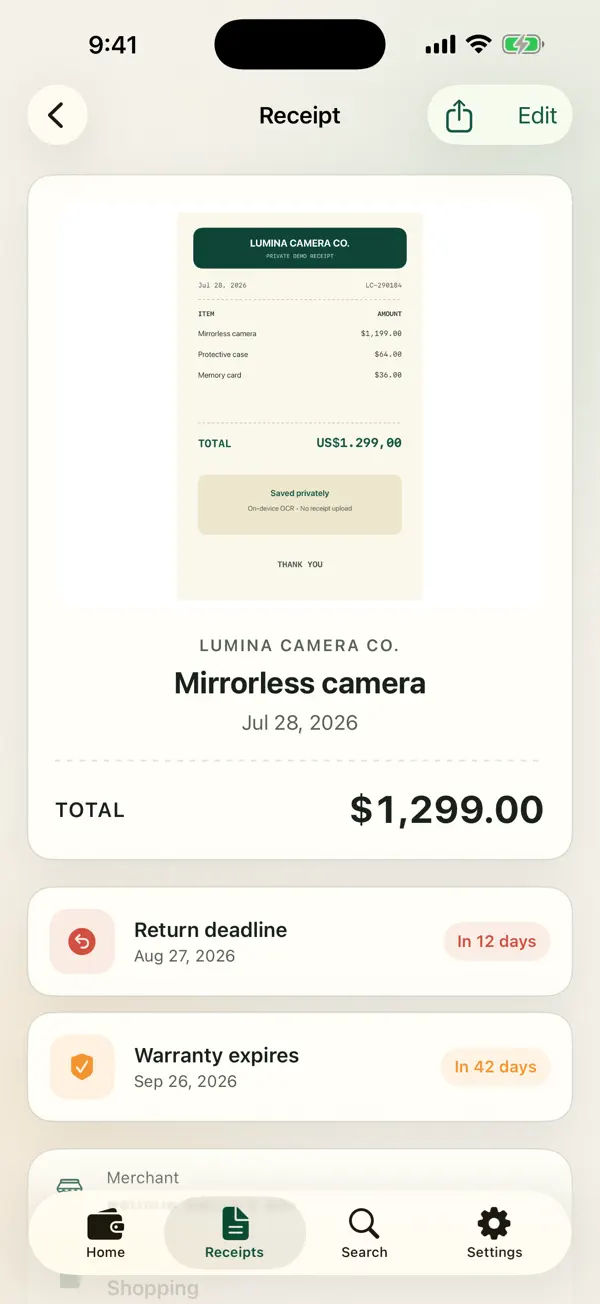
What you can do with ReceiptRove
- Scan receipt pages or import a receipt photo.
- Review and correct merchant, date, amount, currency, and reference details recognized on-device.
- Find purchases by merchant, date, amount, tag, or category.
- Track return windows and warranties with optional local reminders.
- Export a selected receipt as a PDF, image, or text summary.
How to get started
- Scan a receipt or choose an existing photo.
- Check the recognized details and save your receipt.
- Search your library, set a reminder, or export the receipt you need.
Private by design
Receipt images and recognized text are processed on-device. ReceiptRove has no account or cloud receipt database and does not send receipts to an external OCR or AI service. Sharing happens only when you choose an export destination.
A faster everyday workflow
Local OCR proposes purchase details so you can review them instead of typing every field. Local search helps you find saved receipts quickly. Scan quality and receipt complexity affect recognition; no processing-time benchmark is claimed.
Before you start
Check recognized amounts and dates before saving. ReceiptRove organizes proof of purchase; it does not verify a merchant's return policy or replace accounting advice.
Questions about ReceiptRove
Is ReceiptRove free on iOS?
ReceiptRove is free to download from the App Store. Check the current listing for any available in-app purchases before installing.
Can I scan receipts privately without an account?
Yes. Scanning and OCR run on your device, and ReceiptRove does not require an account or a cloud receipt service.
Does ReceiptRove work offline?
Core scanning, organization, search, and export work offline. A destination you choose for sharing may need an internet connection.
How can I find a receipt fast?
Search your saved library by merchant, title, date, amount, tag, or category. Review the recognized fields when saving to keep searches useful.
Support and other apps
Questions? Contact SoftForge Digital or read our privacy policy.